

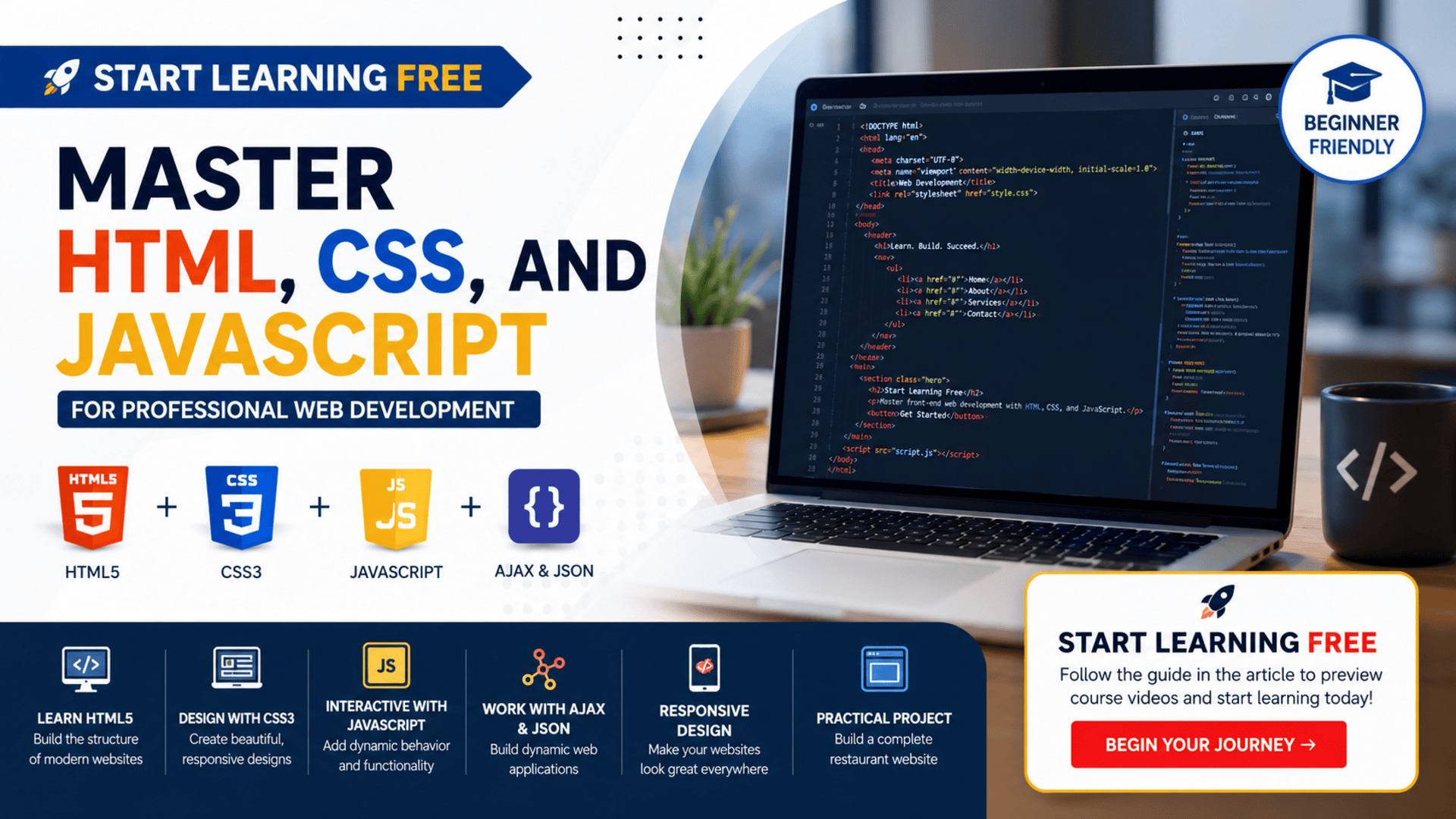
Building websites is one of the most valuable digital skills you can learn today. Almost every organization needs fast, responsive, accessible, and user-friendly websites to connect with customers and deliver online services.
The HTML, CSS, and JavaScript for Web Developers program offers a structured learning path for anyone who wants to understand how modern websites are designed, styled, and made interactive.
You can start learning free by previewing available course content before deciding whether you need full access, graded assignments, or a certificate.
Throughout this program, you will progress from the fundamentals of HTML5 and CSS3 to responsive web design, Bootstrap, JavaScript, the Document Object Model, JSON, and Ajax. You will also see how these technologies work together through a practical website development project.
Why Learn HTML, CSS, and JavaScript?
HTML, CSS, and JavaScript are the three foundational technologies behind modern front-end web development.
HTML provides the structure of a web page.
CSS controls its design, layout, responsiveness, colors, typography, and visual appearance.
JavaScript adds functionality, interactivity, dynamic content, user-event handling, and communication with external data sources.
Learning these technologies together helps you understand the complete process of turning an idea or design into a functional website.
These skills can be valuable for:
- Aspiring front-end web developers
- Freelancers who want to build websites for clients
- Designers who want to understand coding
- Entrepreneurs building online businesses
- Marketing professionals managing websites
- Students exploring software development
- Professionals planning a career change
- Content creators building personal websites
- Back-end developers improving their front-end knowledge
About the Web Development Program
This beginner-friendly program is designed to teach the essential technologies used to create modern web pages and interactive web applications.
It is presented as a four-course learning series and is suitable for beginners who do not have previous professional web development experience.
The complete learning path covers:
- HTML5 and webpage structure
- CSS3, layouts, and responsive design
- Building a practical restaurant website
- JavaScript, Ajax, and interactive web applications
The program is taught by Yaakov Chaikin and offered by Johns Hopkins University.
Learners can follow the lessons through a flexible, self-paced format. The complete series is estimated to require approximately four weeks when studying for around ten hours per week, although your actual completion time will depend on your schedule and previous experience.
What You Will Learn
By following the complete HTML, CSS, and JavaScript learning path, you can develop skills across several important areas of web design and development.
Build Structured Webpages with HTML5
The first part of the program introduces the basic tools every webpage developer needs.
You will learn how to create a valid HTML document, organize webpage content, use headings and lists, add links and images, and understand the purpose of semantic HTML5 elements.
Key topics include:
- Setting up a web development environment
- Understanding HTML tags and elements
- Creating a basic HTML document
- Organizing webpage content
- Adding headings and lists
- Creating internal and external links
- Displaying images
- Using semantic HTML5 tags
- Understanding valid document structure
- Applying basic accessibility principles
HTML is the foundation of every website. Learning how to structure content correctly makes it easier to style, maintain, optimize, and make accessible.
Design Professional Websites with CSS3
After learning how webpages are structured, you will explore how CSS is used to control their appearance.
The CSS section starts with basic selectors and properties before progressing into layout techniques, positioning, responsive design, media queries, and CSS frameworks.
You will learn about:
- CSS selectors and properties
- Class, ID, and element selectors
- CSS specificity and inheritance
- Conflict resolution
- Text styling
- Background properties
- The CSS box model
- Relative and absolute positioning
- Floating elements
- Units of measurement
- Media queries
- Responsive website design
- Bootstrap and its grid system
These skills will help you create websites that look professional and adapt to desktops, tablets, and mobile phones.
Learn Responsive Web Design
Modern websites must work properly on screens of different sizes.
A webpage that looks good on a desktop computer may be difficult to use on a smartphone unless it has been designed responsively.
The program teaches you how to make webpage components resize and rearrange automatically based on the visitor’s screen size.
You will explore responsive design techniques such as:
- Flexible layouts
- Mobile-friendly navigation
- Responsive images and content
- CSS media queries
- Bootstrap grid layouts
- Device and browser testing
- Mobile-first design considerations
Responsive design is an essential skill for anyone planning to work in professional web development.
Build a Practical Restaurant Website
One of the strongest parts of this learning path is its practical project.
Instead of learning every concept in isolation, you will follow the process of creating a functional website for a restaurant.
The project introduces several real-world web development activities, including:
- Understanding a client’s requirements
- Planning the website structure
- Designing navigation
- Building a responsive header
- Creating the homepage
- Developing menu pages
- Coding navigation tiles
- Building the footer
- Fixing layout and resizing issues
- Testing the mobile version on a real device
- Improving usability across different screen sizes
This project helps connect HTML and CSS concepts to a realistic business scenario. It also demonstrates how developers can translate client requirements into a usable website.
Add Website Interactivity with JavaScript
JavaScript allows developers to move beyond static pages and create interactive user experiences.
The JavaScript section introduces both fundamental and more advanced programming concepts. You will learn not only how JavaScript features work, but also why they are used.
Topics include:
- Variables and data types
- Operators and control flow
- Functions and scope
- Objects and object literals
- Constructors and prototypes
- The
thiskeyword - Arrays
- Closures
- Namespaces
- Immediately invoked function expressions
- Object-oriented programming concepts
- Event-driven programming
Understanding these concepts will help you create more organized, maintainable, and functional JavaScript code.
Work with the DOM, JSON, and Ajax
After learning the foundations of JavaScript, you will explore how it interacts with webpages and external data.
You will learn how to use the Document Object Model, commonly called the DOM, to access and update webpage elements.
The program also introduces:
- Handling user events
- Dynamically changing webpage content
- Working with HTTP requests
- Understanding common HTTP methods
- Processing JSON data
- Using Ajax to communicate with servers
- Loading content without refreshing the entire page
- Converting a static website into a dynamic application
- Building a single-page application experience
These skills are important for creating websites that respond to users and display updated information dynamically.
Skills You Can Develop
By completing the learning path and practising the concepts, you can build knowledge in:
- HTML5
- CSS3
- JavaScript
- Front-end web development
- Responsive web design
- Bootstrap
- Web applications
- Web design
- Browser compatibility
- User interface design
- User experience principles
- Accessibility guidelines
- Requirements gathering
- Client requirements analysis
- DOM manipulation
- Event-driven programming
- Object-oriented programming
- Ajax
- JSON
- HTTP fundamentals
- Development environment setup
These skills can provide a solid foundation for learning more advanced front-end technologies and frameworks later.
Who Should Take This Program?
This program can be a suitable choice for anyone who wants a structured introduction to professional web development.
It may be especially useful for:
Complete Beginners
No previous professional web development experience is required. The lessons begin with foundational HTML concepts before progressing into CSS and JavaScript.
Aspiring Front-End Developers
The program covers the core technologies that front-end developers use to build and improve website interfaces.
Freelancers
Freelancers can use these skills to create responsive websites, landing pages, portfolios, and small-business websites.
UI and UX Designers
Designers who understand HTML, CSS, and JavaScript can communicate more effectively with developers and create designs that are easier to implement.
Entrepreneurs and Business Owners
Understanding basic web development can help business owners manage website projects, communicate with technical teams, and make better decisions about their online presence.
Marketing Professionals
Digital marketers regularly work with landing pages, tracking scripts, forms, content management systems, and website optimization. Basic coding knowledge can make these tasks easier.
Benefits of Learning Through a Structured Program
It is possible to find thousands of independent web development tutorials online. However, moving randomly between tutorials can leave important knowledge gaps.
A structured program provides a more organized progression:
- Begin with HTML structure
- Apply visual styling with CSS
- Make layouts responsive
- Complete a practical website project
- Learn JavaScript programming
- Add dynamic functionality with Ajax
This progression helps learners understand how each technology connects to the next.
How to Start Learning Free
You may be able to preview course videos and selected learning materials without immediately purchasing the full certificate experience.
Follow these steps:
- Open the course page using the button provided in this article.
- Because this is a multi-course program, scroll down and select one of the individual courses included in the series.
- Open the individual course you want to study.
- Click Enroll.
- Sign in or create an account.
- Look for and select Preview instead of starting a paid trial.
- Begin watching the available course videos and start learning free.
Important: Preview availability can vary by course, account, device, or location. Preview access may not include graded assignments, the complete learning experience, or a certificate. Review the enrollment options shown on the course page before confirming.
How to Get the Most from the Course
Watching coding videos is helpful, but practical work is essential for developing web development skills.
Use the following approach:
Code Along with Every Lesson
Do not only watch the instructor write code. Open your own editor and recreate each example.
Build Small Projects
Create simple projects such as:
- A personal profile page
- A product landing page
- A restaurant menu
- A portfolio website
- A responsive blog layout
- An interactive contact form
Practise Without Copying
After completing an example, close the lesson and attempt to rebuild it independently.
Test on Multiple Screen Sizes
Use browser development tools to check how your pages appear on desktop, tablet, and mobile screens.
Organize Your Code
Use clear file names, meaningful class names, comments where necessary, and a logical project structure.
Build a Portfolio
Save your strongest projects and publish them as examples of your progress. A portfolio can demonstrate practical ability more effectively than simply listing technologies on a résumé.
Career Opportunities After Learning Web Development
Completing one program will not automatically make someone an experienced professional developer. However, mastering the foundations can prepare you for further study and portfolio development.
HTML, CSS, and JavaScript skills can support roles such as:
- Junior front-end developer
- Web developer
- Website content specialist
- WordPress developer
- Email developer
- Landing-page developer
- UI developer
- Web designer
- Technical marketing specialist
- Freelance website creator
You can later expand your knowledge by studying Git, GitHub, accessibility, APIs, testing, TypeScript, React, or another modern development framework.
Start Learning HTML, CSS, and JavaScript Free
Build practical skills in HTML5, CSS3, responsive web design, Bootstrap, JavaScript, DOM, JSON, and Ajax. Explore the available course content and begin your web development journey today.
Start Learning Free →Preview availability and included learning materials may vary. Full graded access and certificates may require enrollment.





