

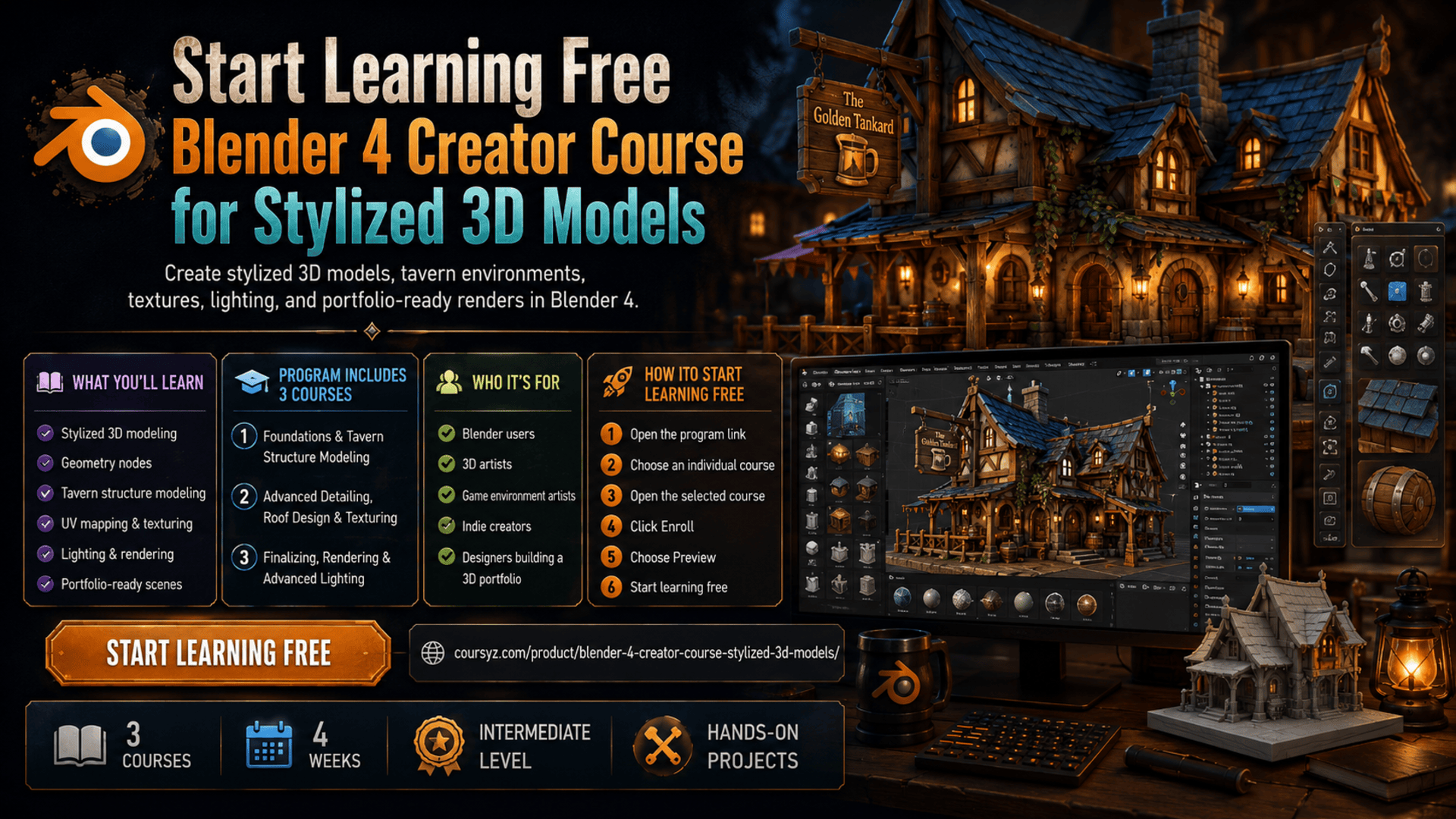
Do you want to create professional stylized 3D models and detailed game-ready environments using Blender 4?
The Blender 4 Creator Course for Stylized 3D Models is a practical learning path designed for 3D artists, game designers, environment creators, and Blender users who want to improve their modeling, texturing, lighting, and rendering skills.
You can start learning free by opening one of the individual courses and checking whether preview lessons are available before choosing complete enrollment.
What Will You Learn?
This program helps you build practical Blender skills, including:
- Stylized 3D modeling
- Blender project setup
- Asset management
- Geometry nodes
- Greyboxing and scene planning
- Tavern structure modeling
- Wooden beams, stone walls, doors, roofs, and windows
- UV mapping and texture workflows
- Advanced roof and architectural detailing
- Prop creation and scene decoration
- Lighting and rendering
- Eevee Next and Cycles rendering techniques
- Portfolio-ready stylized environment design
The program focuses on building a detailed stylized tavern environment while teaching reusable skills for game art, animation, architectural visualization, and digital 3D design.
Courses Included in the Program
1. Blender Foundations & Tavern Structure Modeling
Start with Blender fundamentals, project setup, modeling strategies, resource packs, geometry nodes, greyboxing, timber structures, walls, windows, lighting, and texturing.
2. Advanced Detailing, Roof Design & Texturing
Move into advanced modeling techniques such as curved wooden frameworks, detailed windows, shutters, chimneys, balconies, roof structures, UV fixes, and realistic stylized textures.
3. Finalizing, Rendering & Advanced Lighting
Learn how to refine your scene with structural supports, props, lighting, rendering setup, final polish, scene optimization, and professional presentation techniques.
Who Should Take This Program?
This learning path is suitable for:
- Blender users
- 3D artists
- Game environment artists
- Indie game creators
- Digital artists
- Animation learners
- Architecture visualization students
- Designers building a 3D portfolio
Basic familiarity with Blender or 3D modeling can be helpful, but the course also explains important foundational concepts.
How to Start Learning Free
Follow these steps to check for available preview lessons:
- Open the program link below.
- Scroll down and select one of the individual courses.
- Open the course you want to explore.
- Click Enroll.
- Sign in or create an account.
- Choose Preview instead of Start Free Trial, when the Preview option is available.
You can then watch any lessons included in the preview and explore the course structure before choosing complete access.
Preview availability may vary. Complete lessons, projects, assessments, and certificates may require paid enrollment. If preview access is not available, check whether financial aid is offered.
Build Stylized 3D Models with Blender 4
Stylized 3D modeling is a valuable skill for game development, animation, digital art, environment design, and creative portfolio building.
This program helps you move from basic Blender setup to advanced modeling, texturing, lighting, rendering, and final scene presentation.
Start Learning Blender 4 Stylized 3D Modeling
Explore stylized 3D modeling, geometry nodes, tavern environment design, asset management, texturing, lighting, rendering, and portfolio-ready scenes.
Start Learning FreePreview availability and included learning materials may vary.